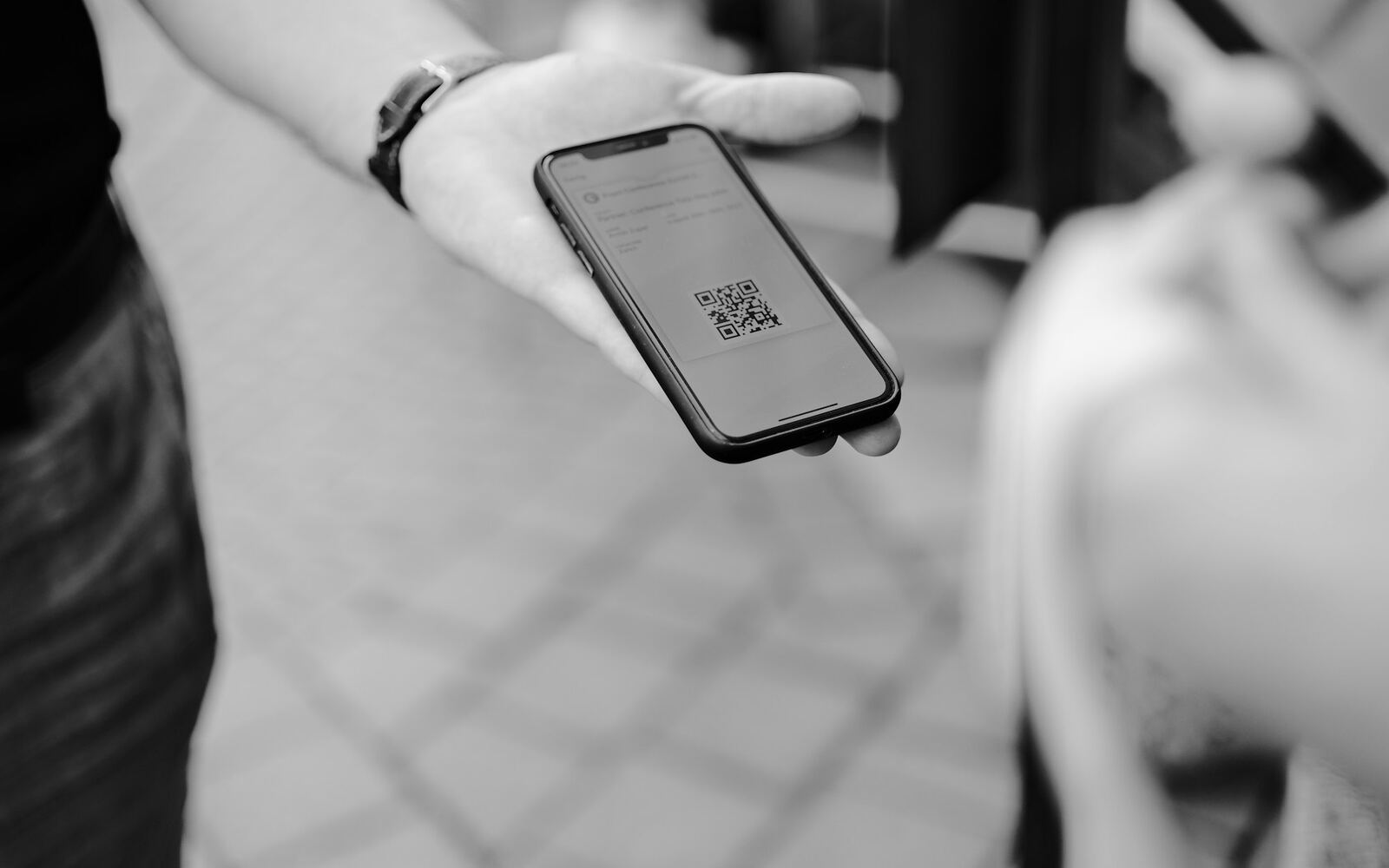
To take QR payments in Bolivia, a business only needs an account at a bank, credit union or other regulated financial institution, plus that institution's app. The business generates the code in its app, and the customer pays it from the app of their own institution, whichever it is. Under current rules from the Banco Central de Bolivia (BCB, the central bank), electronic transfers of up to Bs69,600 carry a maximum fee of zero. The bigger risk for a merchant is something else: hand over the goods when the money shows up in your account, not when the customer shows you a screenshot.
What the interoperable QR is
The BCB describes the QR BCB Bolivia as a single, universal standard. Interoperable means that a customer of any institution (a bank, a credit union, a housing finance institution or a development finance institution) can pay and get paid with it. The code carries the payment details: the payee's name, the account and the institution.
QR became an official payment instrument in 2019, through BCB board resolution N° 137/2019, which amended the central bank's payment services regulation, according to the Autoridad de Supervisión del Sistema Financiero (ASFI, Bolivia's financial regulator).
How a business creates a QR code
ASFI sums up the process this way:
- The business generates the QR in its institution's app. The code can include the amount, the account holder's name, the account or phone number, the institution and, optionally, an expiration date.
- The customer scans it with their phone and checks the details their app shows.
- The customer confirms the payment.
- Both sides get a notification that the transaction went through, within seconds.
The exact options (fixed or open amount, expiration, notifications, several users for one business) depend on each institution. The safest move is to ask your bank or credit union.
For public or private organizations that run their own billing systems, the BCB launched OpenBCB in October 2025. It is a set of APIs to generate QR BCB Bolivia codes at no cost, check a QR's status in real time and receive free payment notifications. It works under the BCB's regulation on transitory settlement accounts (Reglamento de Cuentas Transitorias de Liquidación), so it is not an app for a corner store.
What does it cost?
BCB board resolution N° 019/2025, in force since March 1, 2025, sets the maximum fees financial institutions may charge for an electronic funds transfer. A QR payment is one of those transfers. These are the caps:
- Mobile banking, online banking or ATM: Bs0 up to Bs69,600; Bs5 from Bs69,601 to Bs100,000; Bs10 above Bs100,000.
- At a branch counter or teller: Bs10 up to Bs10,000; Bs20 from Bs10,001 to Bs69,600; Bs30 from Bs69,601 to Bs100,000; Bs40 above Bs100,000.
- Between accounts at the same institution: Bs0.
For reference, at the BCB's official exchange rate for November 10, 2026 (Bs11.75 per US dollar, per the BCB website), Bs69,600 is about US$5,920 and Bs100,000 about US$8,510. The rate changes every business day.
The BCB's latest payment system oversight report, for 2025, records that the free tier was raised to Bs69,600. It used to stop at Bs50,000.
One detail that matters to businesses: the resolution expressly bans fees for generating the QR BCB Bolivia code and for payment notifications only when the party getting paid is a public sector company or entity. For a private business, the rule says nothing about those services. Before choosing where to open your business account, ask each institution for its fee schedule and ask whether it charges anything for receiving QR payments, for reports or for connecting QR to your own system. We do not publish a table of what each bank charges because we could not verify every figure on official pages.
How much a customer can pay
The same resolution requires institutions to enable QR payments and regular transfers of up to Bs69,600 by default on all their channels, in person and electronic. They must tell their customers and let them change that limit at any time. If a customer cannot pay you a large amount, they may have lowered their limit or may need to raise it in their app.
How to check that a payment is real
ASFI lists among the main QR risks fake digital receipts, edited to make it look as if a payment went through, and code swapping, where someone replaces a business's legitimate QR with another that diverts payments to a different account. For the business, these are the safeguards:
- Confirm in your own app. ASFI recommends checking recent movements and balances to confirm a transaction went through. A screenshot the customer shows you is not proof.
- Don't hand over the goods until you see the deposit with the exact amount and the payer's name.
- Turn on your institution's notifications. According to ASFI, payer and payee are notified within seconds. If the alert doesn't arrive, check your movements before accepting the payment.
- Protect your printed QR. ASFI advises always scanning from the payee's original device or poster. Check every so often that no other code has been stuck over the poster at your register.
- Use only your institution's official app and never share usernames or passwords, as ASFI recommends.
If a payment doesn't show up, or is duplicated by a technical glitch (another risk ASFI mentions), the complaint goes first to your financial institution. If you are not satisfied with its answer, you can take it on appeal to ASFI's Defensoría del Consumidor Financiero (financial consumer ombudsman). Its toll-free line in Bolivia is 800 103 103.
QR payments and invoicing
The QR receipt is a bank record that the customer paid. It is not an invoice. If your business issues invoices, you issue one for the sale just as you would for a cash or card payment.
QR also counts for bancarización, Bolivia's rule that large transactions must go through the financial system. According to the guide published by the Servicio de Impuestos Nacionales (SIN, the national tax service) on rulings RND 102400000021 and 102400000030, purchases and sales of Bs50,000 or more (about US$4,260 at the November 10 rate) must be backed by a payment document issued by a financial institution regulated by ASFI or the BCB, even when paid in installments. In the bancarización register, the SIN lists QR under "transfer between financial institutions," along with ACH transfers, mobile wallets and cards. The SIN's list of 2026 rulings, up to RND 102600000044 of October 30, includes none that changes these rules. It pays to keep the sale, the invoice and the payment linked: noting the invoice number next to the payment reference makes month-end reconciliation easier. More detail on the rule is in our guide to bancarización (in Spanish).
Before you start
- Open the business account in the name of whoever issues the invoices, so payments and invoices match.
- Ask your institution for its fee schedule, and ask in writing about anything that isn't on it.
- Decide who confirms payments at the register, and with which app.
- Keep the receipts for large sales, especially those of Bs50,000 or more.
Disclosure: Bemorex, the company that publishes this outlet, builds QR payment systems for businesses.